Telemetry beside media
Reviewers need time, coordinates, altitude, speed, heading, camera pitch, duration, total track length, and telemetry source without leaving the video/map workspace.

DJI telemetry viewer
Sightlock starts DJI-first: MP4/MOV videos, embedded telemetry where available, SRT sidecars, photo EXIF GPS, and imported GPX/KML/CSV tracks. The goal is to keep every review tied to position, date, speed, altitude, and source context.
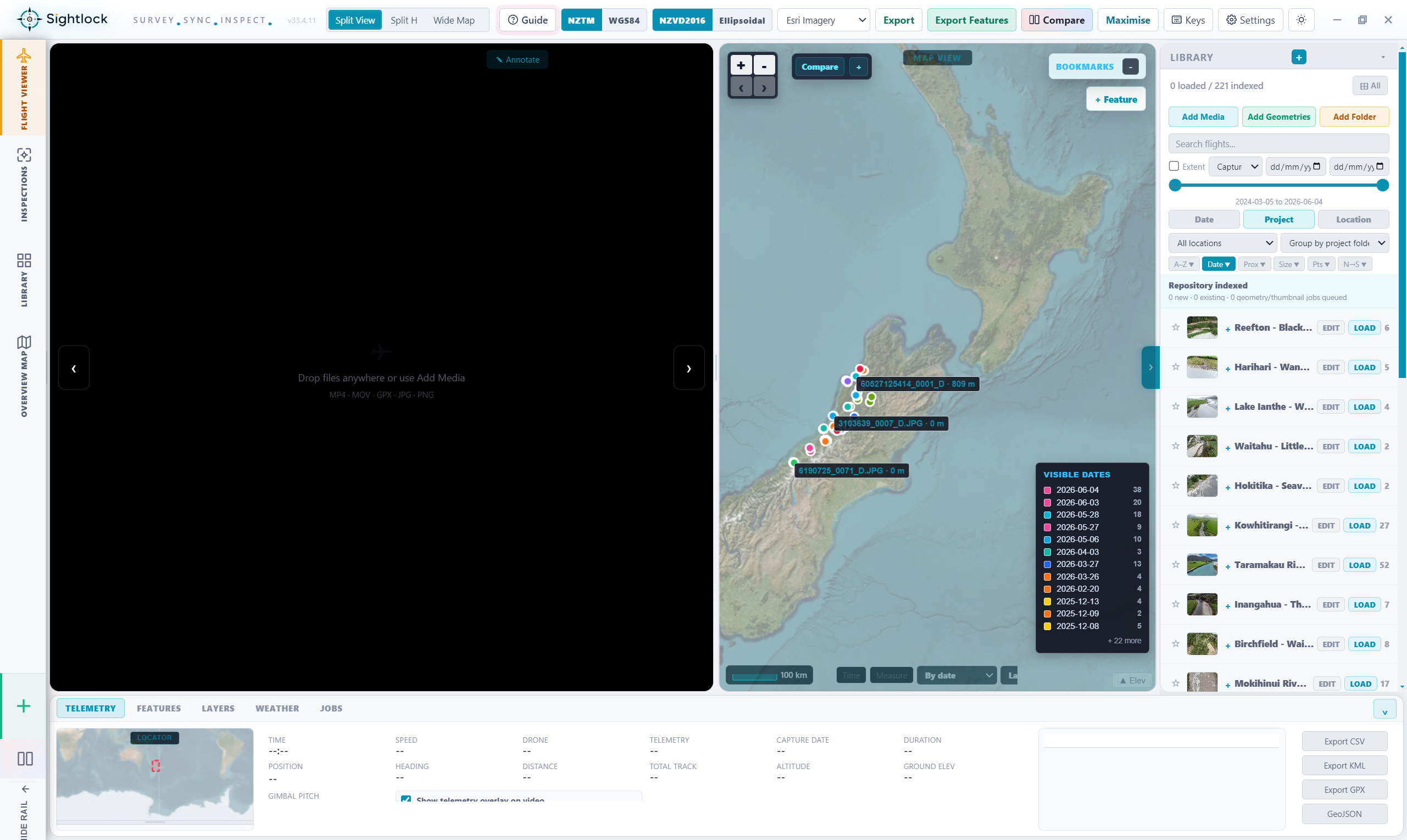
Reviewers need time, coordinates, altitude, speed, heading, camera pitch, duration, total track length, and telemetry source without leaving the video/map workspace.
Flight paths, current position, start/end points, visible dates, and scale context make drone footage easier to interpret than video-only review.
The telemetry result should become part of the repository state: indexed, missing, no GPS, geometry-only, source type, point count, and track length.
Telemetry and media context should flow into screenshots, synced comparison clips, feature exports, CSV, KML, GPX, GeoJSON, and inspection packages.
Supported sources
The launch positioning is clear: DJI is the first supported drone family, with future suppliers added after their media, telemetry, and geometry formats are tested properly.
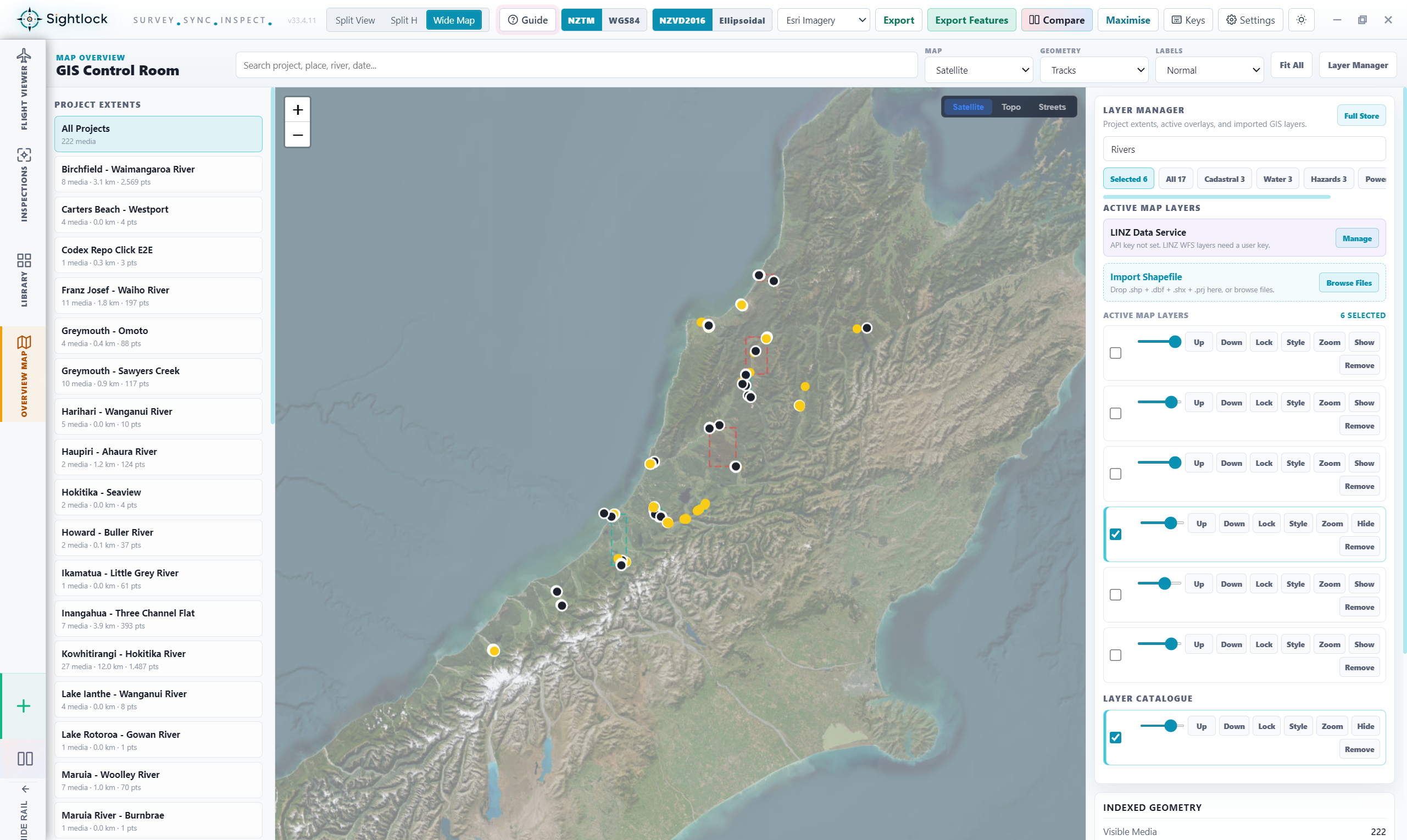
Review drone video with playback, telemetry overlay, map position, comparison, screenshots, and export.
Use sidecar telemetry and photo metadata where embedded telemetry is not available.
Bring in geometry sources so map navigation still works when media telemetry needs help.
Launch access
Use the no-card trial to test Sightlock against your own drone folders and telemetry sources.