Current media becomes A
The desired workflow starts from Flight Viewer. The video or photo currently being reviewed becomes comparison A, so the user does not restart from a blank setup screen.

Drone inspection comparison
Sightlock's comparison workflow is for repeat inspection work: rivers, stopbanks, seawalls, roads, corridors, construction progress, and any site where the question is what changed since the last flight.
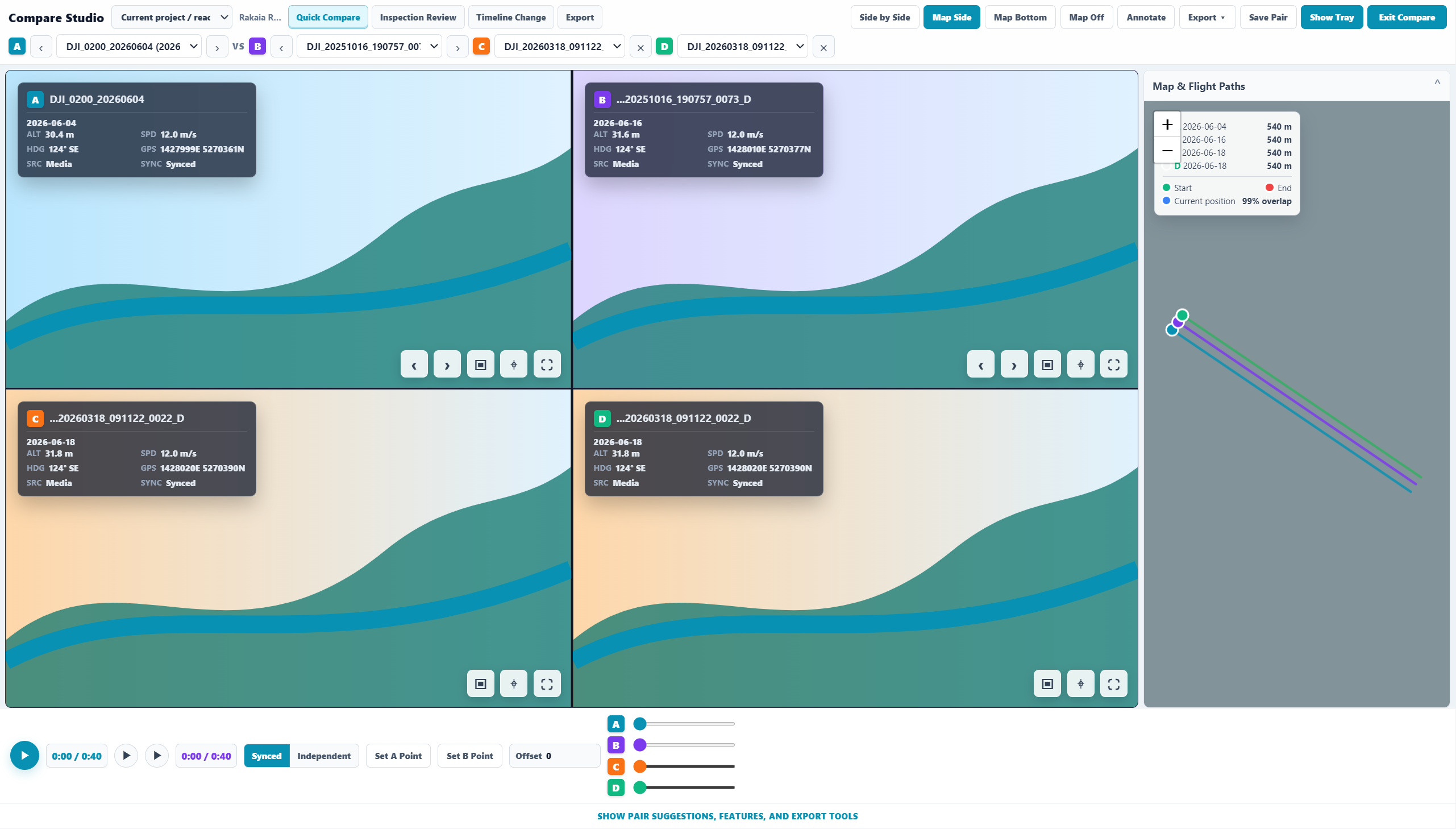
The desired workflow starts from Flight Viewer. The video or photo currently being reviewed becomes comparison A, so the user does not restart from a blank setup screen.
Sightlock should suggest candidates by project, visible map extent, path similarity, date gap, proximity, and camera direction. The goal is useful comparison, not random nearby media.
The videos are the hero. Controls, maps, suggested pairs, saved pairs, timeline tools, and export options should support the comparison without permanently consuming the main review area.
The product direction includes auto sync that waits until geometries line up, then plays both videos together. Manual offset stays available when the automatic match needs adjustment.
Suggested pairs
A strong comparison card should show thumbnails, dates, project context, visible extent, path overlap, path distance, date gap, and confidence. Reviewers should know what they are about to open before they click.
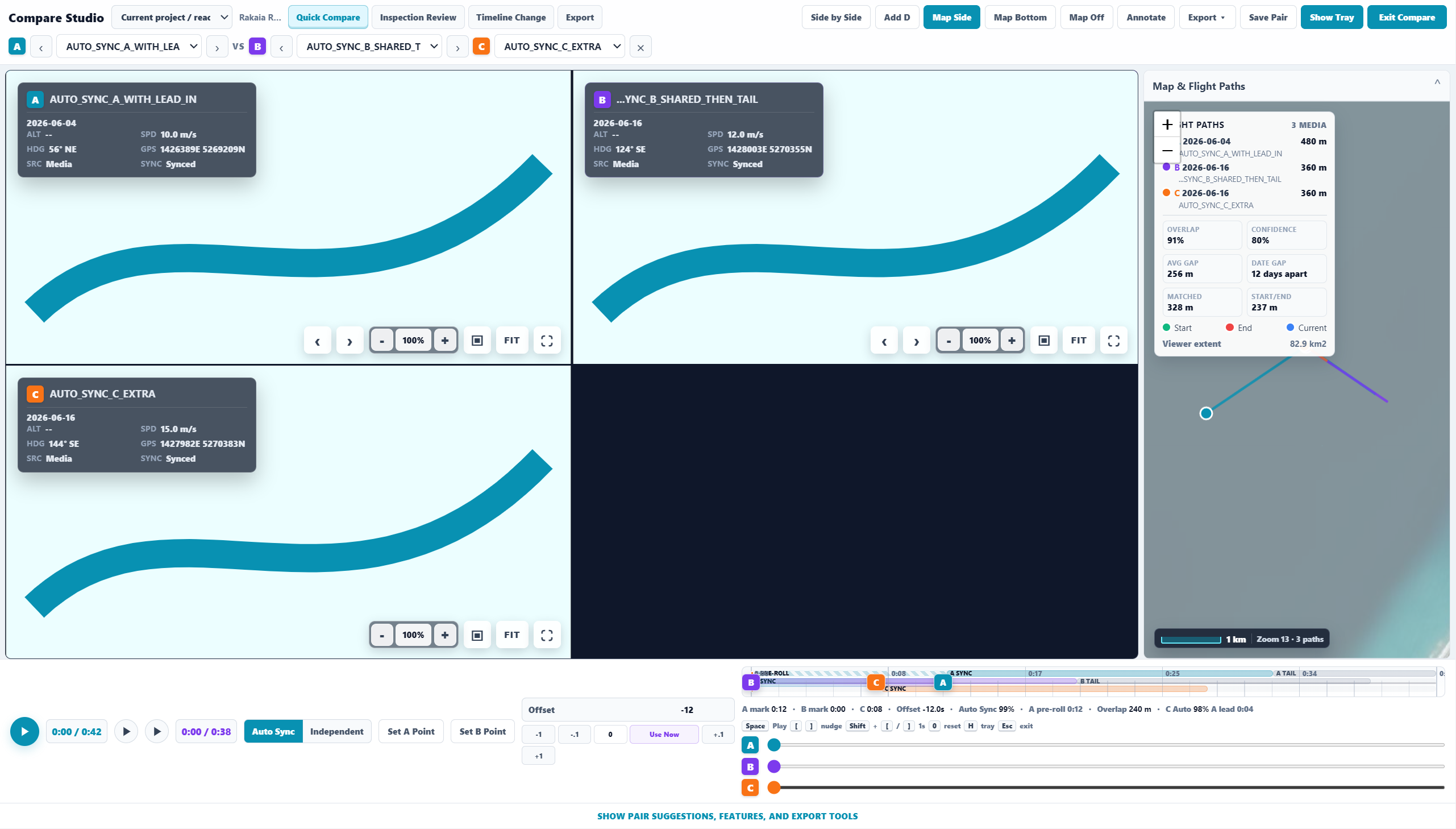
Find media that flew the same reach or structure, not simply the nearest GPS point.
When the user is zoomed into an area, suggested pairs should reflect that visible inspection context.
A/B is the default. The workstation direction supports optional C and D panes for 2x2 historical comparison when a team needs more dates.
Launch access
Start free, index a project, and see whether Sightlock can get your team from map geometry to meaningful comparison faster.